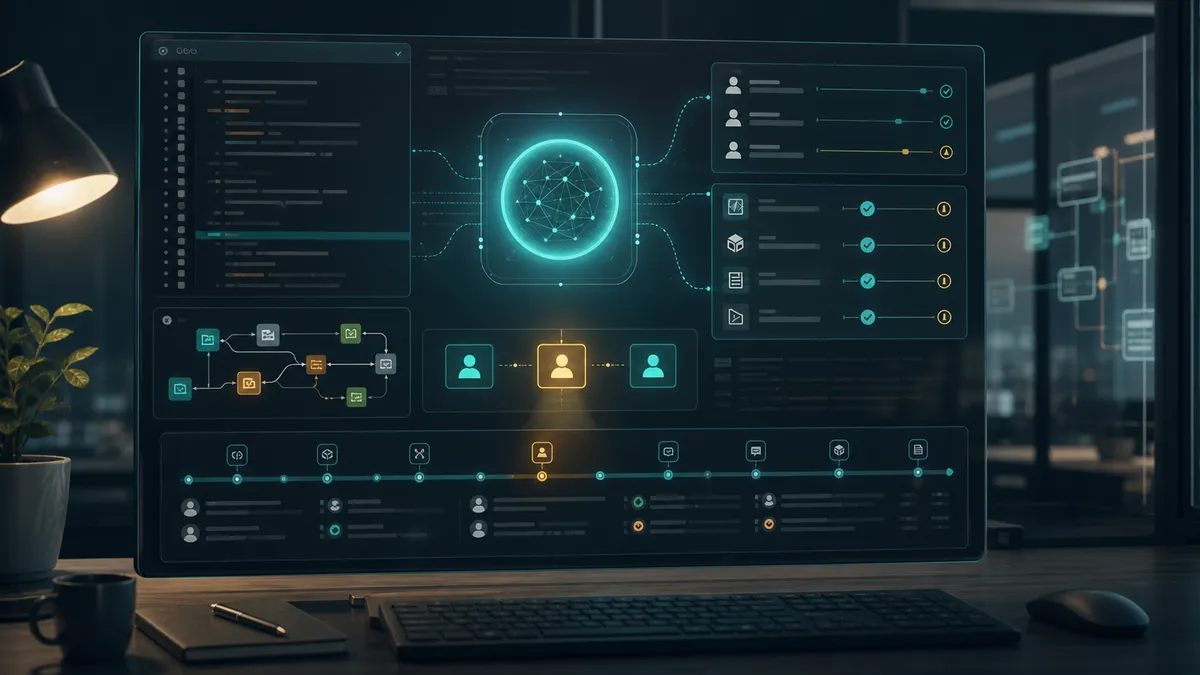
Work AI agents have changed an important boundary: we are no longer talking only about systems that answer with text. Tools like Codex can read a project, propose changes, execute commands, review code, use connected tools, and work inside a real development environment.
That is useful precisely because it brings AI closer to the place where decisions are made and actions are executed. But it also changes the risk. An agent with access to repositories, terminal, browser, CRM, email, automations, or internal documentation is not an abstract assistant. It is an operational layer that can act using our session, our permissions, and our professional identity.
If that layer is misconfigured, compromised, or receives malicious instructions from an untrusted source, the problem is not only that it “makes a mistake.” The problem is that it can produce real actions attributed to a person, a team, or a company. In the worst case, it could enable fraud, impersonation, data leakage, mass sends, system manipulation, or coordinated campaigns that appear legitimate because they come from authorized accounts and tools.
This article complements the guide to privacy and security in sales AI agents, business rules in AI agents, and the analysis of what a sales AI agent should not automate. The focus here is the work environment: development, operations, marketing, sales, documentation, and any process where an agent can use tools on behalf of a person.
In Summary
Controlling AI agents like Codex does not mean slowing down productivity. It means clearly separating what they can read, what they can modify, which tools they can use, when they need human approval, and what is recorded for audit. The real risk is not that the model “wants to do harm,” but combining identity, permissions, data, tools, and scale without sufficient limits.
The practical rule is simple: if an agent can act on your behalf, it must operate with minimum permissions, a scoped environment, controlled network, secrets out of reach, human review for sensitive actions, and complete traceability.
Why a Work Agent Is Not a Chat
A chat responds. A connected agent acts.
That difference changes the security architecture. In a professional environment, an agent can have access to very different layers:
- Code repositories.
- Terminal and local scripts.
- Project files.
- Package managers.
- Review and pull request tools.
- Browser or internal applications.
- CRM, email, calendars, or documentation.
- Pipelines, deployments, or credentials if the environment exposes them.
- Automations that repeat actions at large scale.
Each of these layers expands the risk surface. An isolated failure may be reversible. A failure with tools, permissions, and repeat capacity can become an incident.
That is why these agents should not be evaluated as if they were only a conversational interface. They must be evaluated as operational users with a combination of context, autonomy, and tools.
The Central Risk: Delegated Identity
When a person uses an AI agent inside their environment, many actions can be associated with that person: file changes, executed commands, sent messages, created tickets, opened branches, PR comments, CRM tasks, or actions in connected tools.
If someone compromises that session, abuses an integration, or gets the agent to act on untrusted instructions, the first traceability may point to the legitimate user. The organization may see “this account did it,” even if the person was the victim of an abuse chain.
That is the delicate point: the agent can become an interface of delegated identity. It does not only have intelligence; it has access.

| Surface | Risk without control | Minimum control |
|---|---|---|
| Repository | Unauthorized changes, introduction of errors, or modifications that are hard to review. | Separate branches, human review, tests, and scoped write permissions. |
| Terminal | Execution of commands with unexpected effects. | Sandbox, command allowlist, approval for sensitive actions, and logs. |
| Local files | Reading secrets, contracts, personal data, or internal material. | Deny-read for .env, keys, credentials, and sensitive folders. |
| Network | Data exfiltration or calls to unapproved destinations. | Network disabled by default or strict domain allowlist. |
| CRM or email | External sends, commercial changes, or campaigns attributed to the company. | Granular tools, drafts, volume limits, and human approval. |
| Automations | Massive repetition of an incorrect action. | Quotas, rate limits, circuit breakers, and flow review. |
| Production | Deployments, configuration changes, or access to real data. | Environment separation, temporary permissions, and explicit approval. |
| Logs | Inability to know what happened. | Logging of prompts, commands, tool calls, user, time, and result. |
The right question is not “do we trust AI?” The right question is “what could happen if this identity and these permissions are misused?”
Mass Campaigns: When Scale Multiplies the Damage
Automation turns one action into a repeatable pattern. That is valuable when the pattern is legitimate: reviewing tickets, preparing briefings, updating documentation, creating tasks, or generating drafts.
It is also dangerous when the pattern is misdirected. An account with access to email, CRM, social networks, repositories, forms, or ads tools can cause a lot of damage if a compromised agent executes actions in bulk. There is no need to imagine an especially sophisticated system: it is enough to combine broad permissions, low review, lack of volume limits, and an identity that already has internal trust.
The risk is not only in “hacking the model.” It can come from more ordinary places:
- An open session on an unprotected computer.
- A token or credential exposed to the agent environment.
- A connected tool with permissions that are too broad.
- An external document with malicious instructions.
- A workflow that executes what the agent returns without validation.
- An approval policy that is too lax.
- An environment where repetitive actions are not reviewed until it is already too late.
That is why work agents need scale controls. A low-risk internal action can be automatic. An external, repeated, irreversible, or reputationally sensitive action must have volume limits, approval, observability, and stop capability.
The Prompt Is Not Enough
A good prompt helps orient the agent. An AGENTS.md file helps set repository expectations: verification commands, style rules, project limits, deployment paths, or decisions that require care.
But an instruction does not replace a technical control.
If the agent has write access to the whole system, open network, available secrets, generic tools, and authorization to act without approval, the prompt is carrying responsibilities that should belong to the architecture.
The important limits must live in several layers:
- Environment permissions: what it can read and write.
- Sandbox: where it can execute commands.
- Network: whether it can connect outside and to which domains.
- Tools: which specific actions are available.
- Approvals: when it must stop and ask for review.
- Secrets: which credentials remain out of reach.
- Traceability: what is recorded to reconstruct decisions.
- Human policy: who reviews changes, exceptions, and incidents.
Instructions are a useful layer. Permissions are the real limit.
Specific Controls for Codex and Development Agents
In the case of Codex, the official documentation describes several relevant pieces for safer operation: sandboxing, approval policies, network control, permission profiles, AGENTS.md, managed configuration, and records for enterprise governance.
The defensive pattern should be this:

| Layer | How to apply it |
|---|---|
AGENTS.md | Document repo rules, valid commands, project scope, deployment restrictions, and review criteria. |
| Read-only mode | Use it for exploration, diagnosis, planning, or review without changes. |
| Scoped workspace | Allow writing only in the necessary work directory, not across the whole system. |
| Deny-read | Block .env, SSH keys, tokens, credentials, data exports, and personal folders. |
| Controlled network | Keep network off or limit it to necessary domains. |
| Approvals | Require confirmation for network, sensitive commands, writes outside the workspace, deployments, or destructive actions. |
| Granular tools | Prefer specific actions over generic “do anything” tools. |
| Branches and PRs | Separate agent work into reviewable branches with tests and a clear diff. |
| Logs | Preserve enough activity for audit, debugging, and investigation. |
| Managed configuration | In teams, apply allowed profiles and restrictions from a central policy. |
The goal is not to turn every task into bureaucracy. The goal is for autonomy to depend on risk.
Autonomy Matrix
Not all actions require the same level of control. It is useful to separate five levels.
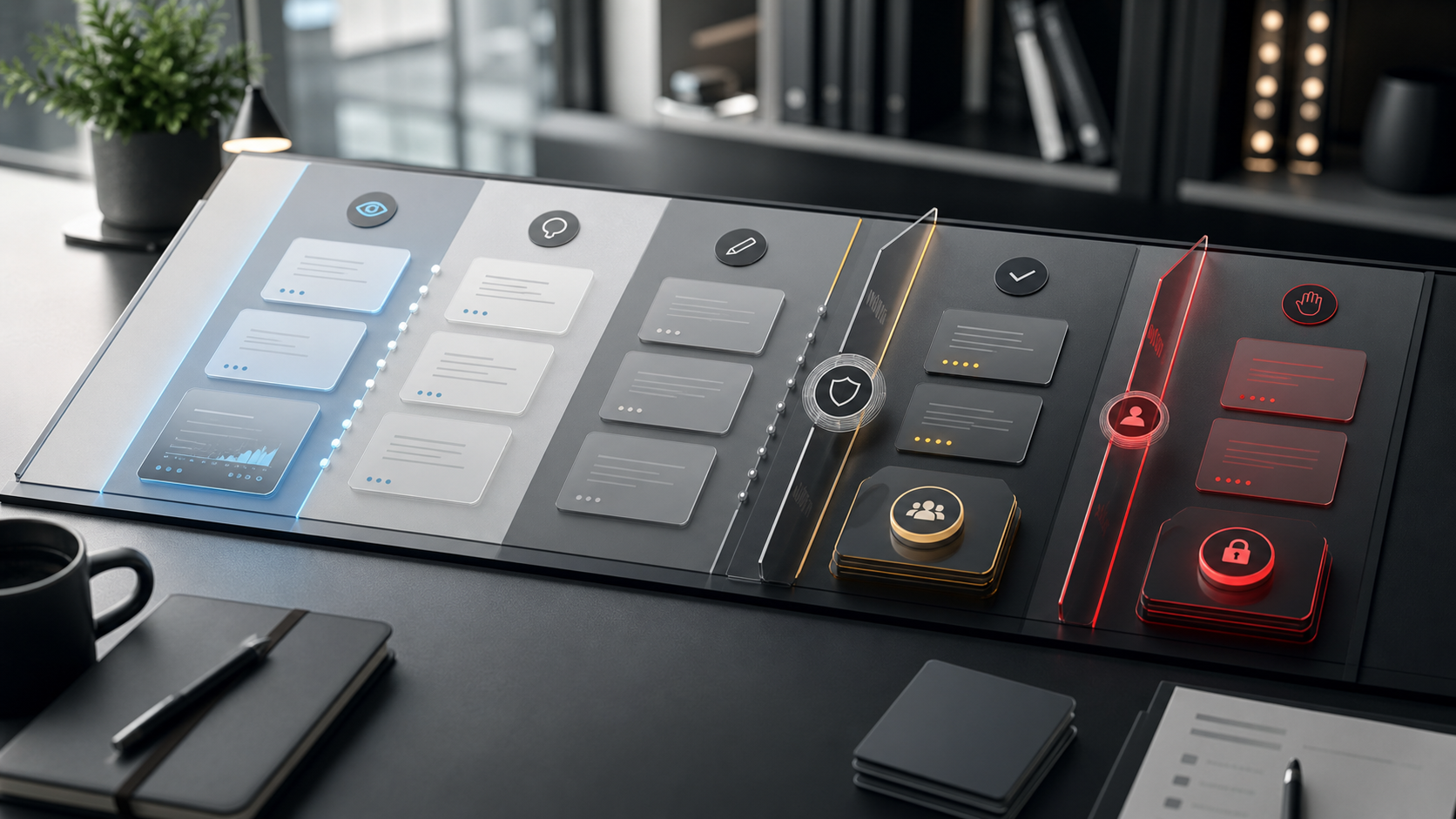
| Level | What the agent can do | Examples | Recommended control |
|---|---|---|---|
| 1. Observe | Read non-sensitive information. | Review repo structure, public documentation, non-secret code files. | Read-only and basic logs. |
| 2. Propose | Suggest changes without applying them. | Refactor plan, diagnosis, security checklist. | Human review before editing. |
| 3. Prepare | Create drafts or changes in an isolated branch. | Patch, draft PR, internal email, meeting summary. | Tests, reviewable diff, and approval before publishing. |
| 4. Execute low risk | Perform reversible and scoped actions. | Format code, update docs, create an internal task. | Minimum permissions, simple rollback, and record. |
| 5. Execute high impact | Touch production, send campaigns, modify sensitive data, or act externally. | Deployments, mass emails, contractual changes, data deletion. | Not autonomous by default; requires explicit approval and additional controls. |
This matrix avoids a common trap: treating a documentation fix the same as a deployment, a campaign, or an action on personal data.
What Should Remain Out of Reach
A work agent should not have permanent or automatic access to everything a person can touch.
By default, it is advisable to keep out of reach:
.envfiles and local secrets.- SSH keys, API tokens, and deployment credentials.
- Personal, financial, legal, or health data that is not necessary.
- Backups and full database exports.
- Mass sending tools without limits.
- Production except in very controlled flows.
- Cloud consoles with broad permissions.
- Workflows that execute external actions without validation.
- Private histories or documents that are not linked to the task.
The agent should receive enough context to work, not indiscriminate access to the entire environment.
Signs That the Environment Is Poorly Governed
There are practical signs that should trigger a review:
- The agent can read secrets without needing to.
- The same account is used for development, production, and automation.
- There is no difference between reading, writing, and external actions.
- The agent can access an open network without traceability.
- Connected tools do not have specific scopes.
- Nobody reviews high-impact commands, diffs, or tool calls.
- There is no central action log.
- Campaigns or workflows do not have volume limits.
- There is no clear procedure to revoke permissions.
- The organization does not know which agents are active or who uses them.
When several of these signs appear, the problem is not the model. It is operational governance.
How to Respond to an Incident
If an AI agent is suspected of having acted incorrectly or been compromised, the response must be practical and fast.
- Revoke linked sessions, tokens, and credentials.
- Stop related automations and scheduled tasks.
- Isolate the environment where the agent operated.
- Review logs of commands, tool calls, touched files, sent messages, and network destinations.
- Identify changes in repositories, CRM, email, documentation, and production.
- Revert incorrect actions when possible.
- Rotate secrets that may have been exposed.
- Review permissions before reactivating the flow.
- Document cause, scope, impact, and added controls.
The response should not depend on remembering what happened in a conversation. It must be reconstructable from verifiable records.
How Nicolás Torres Would Approach It
For Nicolás Torres, control of AI agents starts before connecting them to tools. The initial question is not “what can the agent automate,” but “which identity, data, and permissions will it inherit.”
The approach would be:
- Map the environment: repositories, tools, data, credentials, external actions, and owners.
- Classify risks: low, medium, or high according to impact, reversibility, sensitivity, and scale.
- Define minimum permissions: reading, writing, network, and tools only where they provide value.
- Separate identities: human users, service accounts, and automations should not be mixed without criteria.
- Design approvals: every external, irreversible, or sensitive action must have human review.
- Record activity: commands, changes, tool calls, decisions, user, and result.
- Test abuse scenarios: not to teach attacks, but to check that the limits work.
- Review periodically: permissions, logs, exceptions, campaigns, integrations, and active access.
A well-governed AI agent can increase productivity without turning the work environment into a black box. Trust should not come from assuming that the agent “will behave well.” It should come from technical limits, human review, and enough traceability to know what happened, who authorized each action, and how to stop the flow if something deviates.
The power of these agents is real. That is exactly why they must be treated as a serious part of the company’s operating system.
Frequently Asked Questions
- Why do AI agents like Codex need to be controlled?
- Because they can work on repositories, files, terminals, external tools, and organization data. If they have too many permissions, an error or compromise can become real actions carried out with our identity.
- What risk appears if an AI agent is compromised?
- It can enable unauthorized changes, data leakage, external sends, system manipulation, mass campaigns, or actions that appear to have been performed by a legitimate person or company.
- Is writing good prompt instructions enough?
- No. Instructions help, but critical limits must be in permissions, sandboxing, human approval, scoped tools, logs, review, and access policies.
- What permissions should a work AI agent have?
- Only those needed for the specific task: read or write access limited to the workspace, network disabled or allowlisted, secrets out of reach, specific tools, and approval for sensitive actions.
- How is misuse of an AI agent detected?
- With activity records, traceability of commands and tools, change review, alerts on unusual actions, separation of identities, and the ability to revoke access quickly.